
In your hands in 2–3 working days
Production and shipping included within the deadline. Free shipping within the Peninsula from 100 € excluding VAT.
Choose width × height
Both sides are equal.
We fit your design without distorting it.
One or several files · Up to 25 MB per file
Primer archivo incluido · 5 € sin IVA por archivo adicional.
Production and shipping included within the deadline. Free shipping within the Peninsula from 100 € excluding VAT.
Is your file not ready for printing? Request a proof after payment and review it before production.
Waterproof vinyl and resistant to sunlight exposure. For packaging, shop windows and much more.
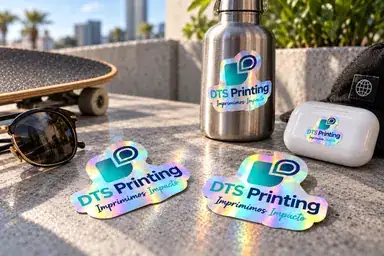
Turn a logo or illustration into a sticker with rainbow reflections. Holographic vinyl changes with light, with gloss finish included. Ideal for merchandise, music releases, events and special editions. Choose shape, width, height and total quantity, then upload designs. Request a free digital proof after payment if needed.
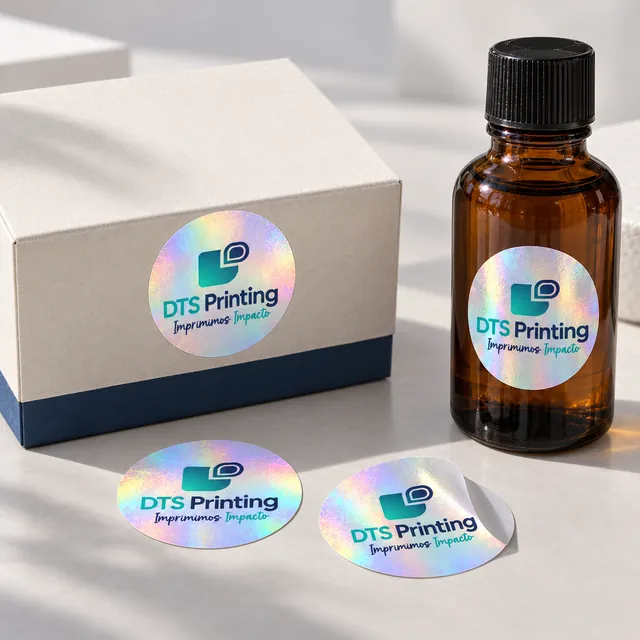
Holographic self-adhesive vinyl with an iridescent base that reflects different colors when light or angle changes. It resists water, humidity, and sunlight, and allows for indoor and outdoor use. It has a glossy finish. The areas without printing reveal the effect of the material; the contrast of the design helps to preserve the reading experience. It is an option for special editions, merchandising, and packaging that seeks to attract attention.
Defined outlines, contrasting text and unprinted areas help show the material's effect. Check small text at final size and do not rely on reflections for essential information. The proof checks artwork, dimensions and cutting; real reflections are visible as you move the sticker under light.
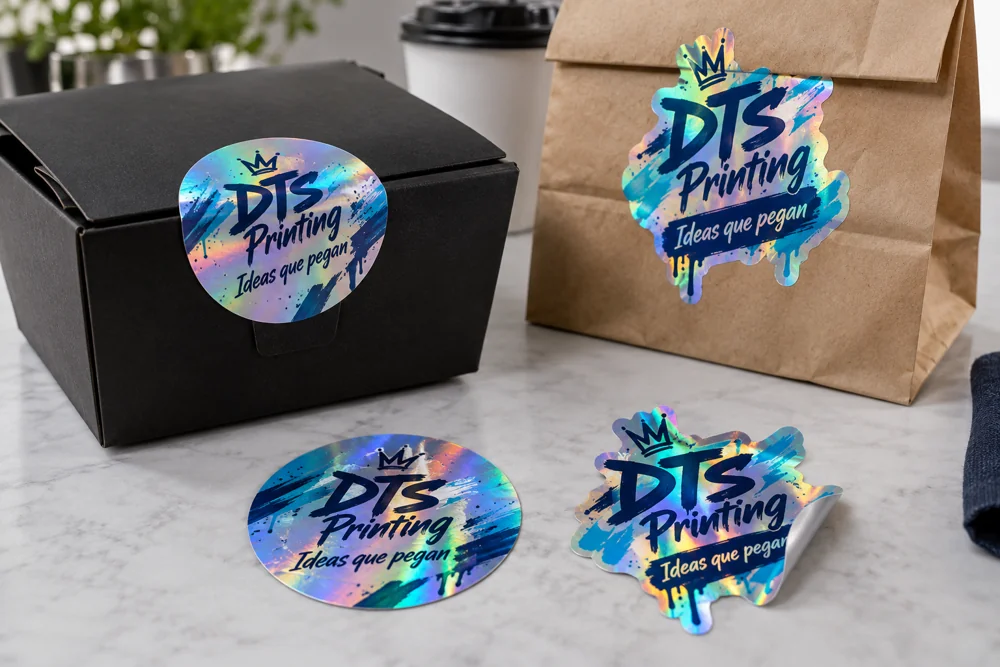
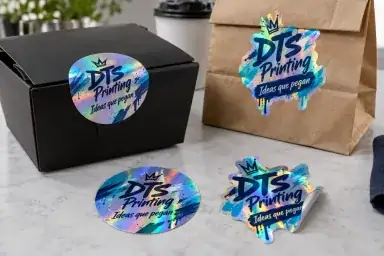
An e-commerce box, a coffee bag or a takeaway food packaging can become a brand carrier. Use a visible logo to identify the business, a product label to differentiate flavors or references, and an illustration to accompany a special edition. A short message usually works better than trying to summarize the entire brand in a small sticker.
You can also use stickers on thank-you cards, outer closures for bags, promotional gifts, and welcome packs. If the sticker serves to organize references or batches, prioritize reading. If it accompanies a launch, use shape and finish to reinforce its personality. Explain the context to the workshop: the surface and the conditions of use help to choose the configuration.
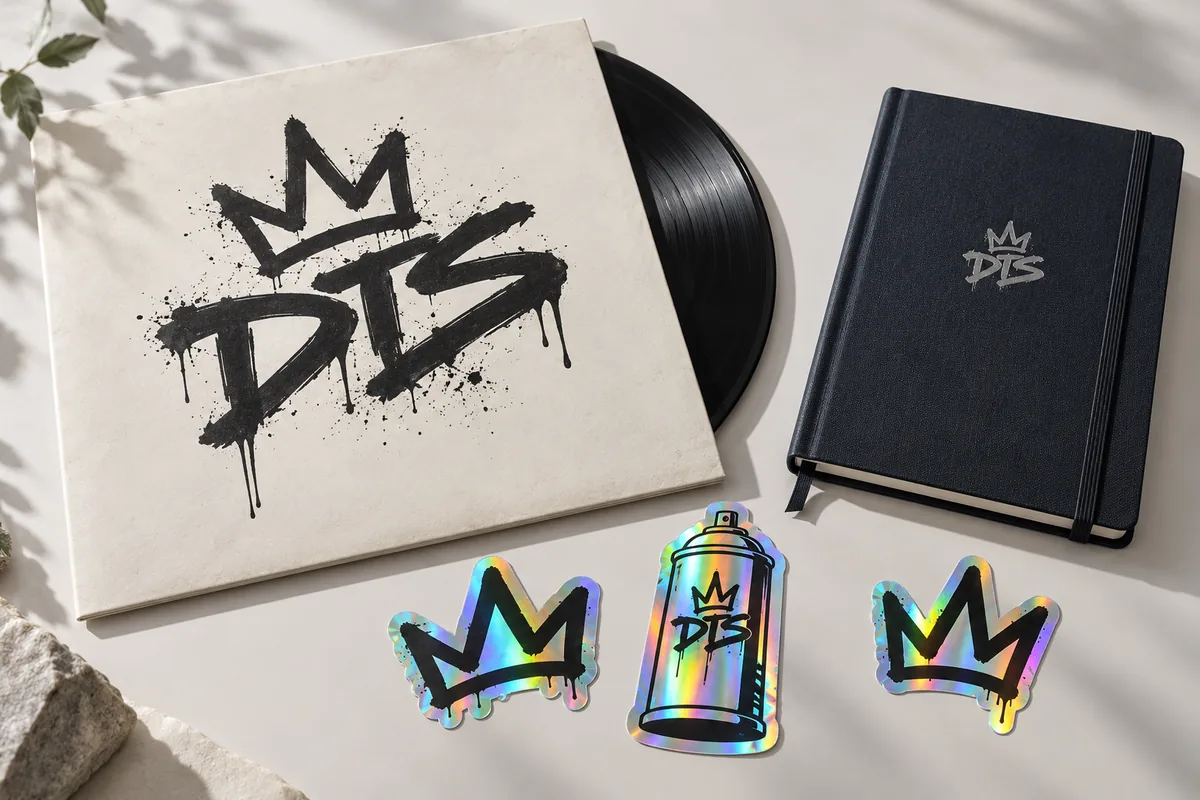
A holographic sticker adds rainbow reflections to an illustration, a logo, or a limited edition product. It can accompany the release of a record, an artist's collection, or a package for event attendees. The effect changes with light and angle: it leaves areas where the material can be seen.
Gloss finish is included. The digital proof checks silhouette, proportions and layout, but cannot reproduce all real material reflections. Check text contrast and tell us about demanding surfaces or outdoor applications.
We handle projects from businesses, brands, and creators in Barcelona, Catalonia, and the rest of Spain. Configure the stickers online and check the shipping or pickup options available for your order before paying. The usual estimated delivery time is 2–3 business days from payment and the file is ready, or from approving the proof if you request it, with production and shipping included within the timeframe.
If you have an earlier date, Check availability. Learn about local service in our guide to Custom stickers in Barcelona.
No cutting-path expertise is needed. Choose shape, width, height and quantity, then upload artwork. After payment, confirm your vector file has a prepared cutting path or request a free digital proof. If requesting a proof, review cutting and ask for changes before approving. We retain the original for workshop checking.
If you work with your own design program, you can provide a PDF or SVG file with the vector cut already prepared. Keep the important elements at least 3 mm from the cut, preferably 4 mm, and extend the backgrounds 3 mm towards the print bleed. Do not embed the cut as pixels: it should remain an identifiable vector. The original file is kept along with the proof so that any adjustments can be reviewed.
Attention in Barcelona, Production in Sant Adrià de Besòs and online purchase for Catalonia and the rest of Spain. Delivery in Spain or Portugal according to checkout; pickup when available. Compare the materials of the stickers.
Answers to choose from, prepare your designs and review the order before paying.
No. Here it is printed on a holographic vinyl that reflects different colors when light and angle are varied. A printed gradient in white retains its colors, but does not reproduce that behavior of the material.
Use sharp lines, contrasting text and areas revealing the material. Check lettering at final size. The digital proof shows artwork and cutting but does not reproduce every reflection exactly. Ask the workshop about specific colour requirements.
No. This product is configured with a glossy finish. The holographic effect changes depending on the lighting and the angle; the screen image is for illustrative purposes only. If you are looking for a matte appearance, check out the white vinyl product with that finish.
Not required. Upload your logo, illustration or artwork and use the free digital proof to choose outline, shape and background. Our workshop reviews difficult edges. You can configure stickers without using design software.
As individual stickers, with adhesive and backing cut to your chosen shape. For continuous backing, see roll stickers.
Yes. Round and square have equal sides. Oval and rectangular retain the proportion of the design by choosing the long side. Square and rectangular shapes incorporate smooth corners to facilitate cutting; in the test you can choose a larger rounding and see how the result changes.
Use a standard size or a custom size. These are the maximum dimensions of your sticker: we fit the design while maintaining its proportions. In round and square shapes, the sides are equal. The digital proof optional display shows the final outline after payment.
La cantidad seleccionada es el total del pedido. Se divide entre los archivos: 100 pegatinas y 5 diseños son 20 de cada uno. Si el total no se divide exactamente, las unidades sobrantes se asignan a los primeros diseños y se muestra el reparto. El total no se multiplica por el número de archivos. El precio se calcula según cantidad, tamaño y número de diseños: el primer archivo está incluido y cada archivo adicional añade 5 € sin IVA al presupuesto.
The minimum is 15 units of each design. With 3 files, the first option offers 45 stickers in total: 15 × 3 designs. With 5 files, the minimum is 75 in total. You can also choose other quantities that respect that minimum; the budget shows the units of each file.
You can remove any design with the × in its thumbnail, both on the page and in the digital proof. The total you selected is kept and redistributed among the remaining files. If you add more designs and the total no longer covers the minimum, you will see the required amount before continuing.
Auto view supports PNG, JPG, WebP, SVG, and PDF of a single page per design, up to 25 MB per file. An AI saved with PDF compatibility can be read as a PDF. EPS, protected PDFs, or documents with multiple pages require review by a professional or a compatible export. Originals are retained: a converted view does not replace your source file.
The outline must be a closed vector path identified as a CutContour or PerfCutContour spot colour. A similarly coloured line does not identify a cutting spot colour. PDFs with multiple paths, pages or complex resources may need checking. The proof shows whether a usable path was found and allows automatic contouring instead.
Keep the artwork separate from one closed outer cutting path. Use CutContour or PerfCutContour in PDF, or an identifiable layer with that name in SVG. Do not rasterise the cutting line or merge it with printed artwork. Keep it within the page, without intersections or open paths. This is optional: our automatic contour can be used instead.
Texts, logos and elements that do not need to be close to the edge need at least 3 mm from the cut; we recommend 4 mm. The automatic proof reserves a safe area of 4 mm. If you use your own vector, the workshop checks the margin finished size before production. Complex backgrounds or designs without clear separation need revision.
Bleed extends the background beyond the cutting path to prevent unprinted edges from small production tolerances. The proof uses 3 mm exterior bleed for printed backgrounds. Keep essential information out of this area. If preparing your own file, separate background, safe area and cutting path; otherwise, choose the background in the proof and check the result.
We recommend images at 300 dpi at final size. The proof warns about borderline or low resolution. Vectors remain sharp when resized, but embedded photos have their own resolution. Converting a PDF or increasing pixels does not restore missing original detail.
The screen, lighting, material, and finish all influence how color is perceived. The test serves to review composition, proportion, and cut; it does not replace a physical color sample. If you need to adhere to a specific corporate color, indicate it in the notes and provide your references for the workshop to review its feasibility.
Yes. Write it down in the checkout notes or request a change after payment with any indication of cut, margin, surface of use, or desired appearance. Explain any doubts before approving the proof so the team can review them. If you mention a file, use its name to clearly relate the indication to that design.
The quantity options show the price without VAT. Just below, you'll see base without VAT, VAT, and total with VAT; the budget repeats that breakdown so you can compare and see the total. The configurator uses the store's current taxes. At checkout, the corresponding taxes are confirmed based on the tax data and the transaction. Shipping is shown separately.
The shipping depends on the destination and the options available for the order. Please check the amount and the delivery method in the cart and at the checkout before paying. The price of the configurator corresponds to the stickers and does not imply that all destinations have the same cost or are available.
The billing data may correspond to a country other than the one of delivery. Use the real name or company name, tax identification number and address; do not invent a province to get ahead. Also check that the delivery address is in an available shipping zone. If the destination does not appear, check with the team before closing the order.
Check shape, dimensions, total quantity, artwork and price. The digital proof is optional and requested after payment. Delivery and billing details are completed at checkout.
Check the displayed notice and the marked field, verify the billing and delivery details, and confirm that your destination is available. If the issue persists, contact DTS Printing and provide the product and the error message. Do not consider the purchase complete until you see confirmation; check the status before attempting to repeat a payment.
Estimated delivery time of 2–3 business days, with production and shipping included within that timeframe, from confirmed payment and file ready. If you request digital proof, the timeframe begins after approval. Weekends and holidays are not counted; destination and file settings can affect the date.
Consult us before paying pedidos@dtsprinting.com. Indicate the date you need them, the quantity, the material, the size and the destination or pickup, and attach the design if you have it. The team will confirm availability, timeframe and budget based on the work and shipping. A note with a desired date alone does not confirm an urgent service.
They are a practical way to identify bags, boxes, cups and containers by their outside features: logo, flavor, batch, promotion or QR code. Check the surface, grease, moisture and usage temperature before choosing the material. For food applications, use the adhesive on the outside of the container and consult the specific needs of your project.
Yes. They are water-resistant, moisture-proof, and sun-resistant vinyl stickers suitable for indoor and outdoor use. You can apply them to bottles, packaging, shop windows, and everyday objects on compatible surfaces. Apply them to a clean, dry surface. For prolonged immersion, dishwashers, intense heat, or a difficult surface, consult the application instructions before use: resisting the elements does not mean resisting any treatment.
First, test a unit on the intended surface. Clean and dry the area, avoid dust and grease, and apply the sticker without stretching it. Porous, textured, cold, or wet materials may behave differently. If you are going to label many units, confirm compatibility before completing the entire application.
Yes, but they must retain sufficient size, contrast, and margin to remain legible after printing and cutting. Test the QR at the printer finished size, avoid placing it next to the cut, and check the small letters by enlarging the original. Indicate any critical elements in the notes for the workshop to review them.
For a glare-free look, compare White matte vinyl stickers. To integrate the logo into a package, choose transparent vinyl. Compare all materials and formats →
Choose the shape, size, and quantity, upload your design, and continue with your order. The optional proofing is available after payment.